
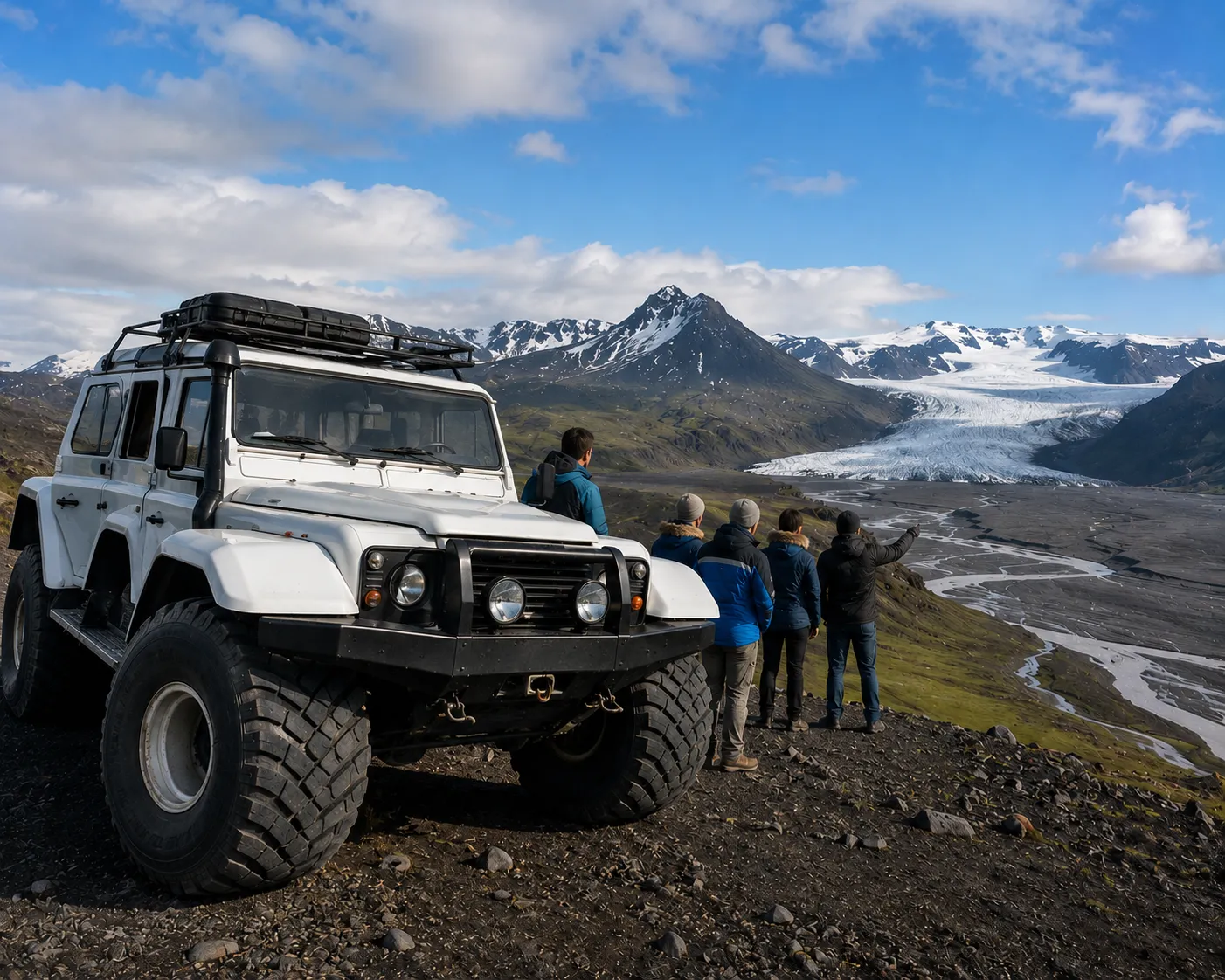
How operations run
One connected path from a confirmed booking to a crew standing at the pickup point — nothing re-keyed along the way.
- 1Source & requestRFQs and booking requests
- 2Confirm & allotDraw down allotments
- 3Allocate peopleRooms, seats, resources
- 4Generate vouchersSupplier documents
- 5Distribute to fieldGuides & drivers
Everything operations needs
The depth a real operation runs on — not a checklist bolted onto a sales tool.
Supplier requests
Send booking requests and RFQs; suppliers reply on a dedicated page, and every request is tracked in a log until it's confirmed.
Sourcing & offers
Message suppliers, compare the offers that come back, and place a hold — then attach it straight to the itinerary.
Allotments & series
Manage contracted inventory and availability, and auto-generate allotments for recurring series departures.
Participant allocation
Assign travellers to rooms, vehicles and seats — including seat-in-coach availability across departures.
Resource scheduling
Assign staff, guides and vehicles, and catch clashes before they become a problem on the day.
Vouchers
Generate, brand and issue supplier vouchers automatically on confirmation, or override per itinerary.
Field & pocket handoff
Hand guides and drivers a live, public day-by-day view of exactly what they need — no logins, no printouts.
Tasks & reminders
Operational tasks, reminders and follow-ups keep the whole trip moving on schedule.
Issue tracking
Log, assign and resolve operational issues, with a clear trail of what happened and when.
Why run operations in TripCreator
One plan, start to finish
The booked itinerary is the operational plan — suppliers, allocations and documents all flow from it, so nothing is rebuilt or retyped.
Nothing double-booked
Allotments draw down and resource clashes surface automatically, so you catch conflicts before the customer does.
Field crews in the loop
Guides and drivers get a live view of the day, so a last-minute change reaches the ground instead of a printout from last week.
A trail for everything
Requests, confirmations, vouchers and issues are all on record — so handovers and post-trip reviews are painless.
See it in action
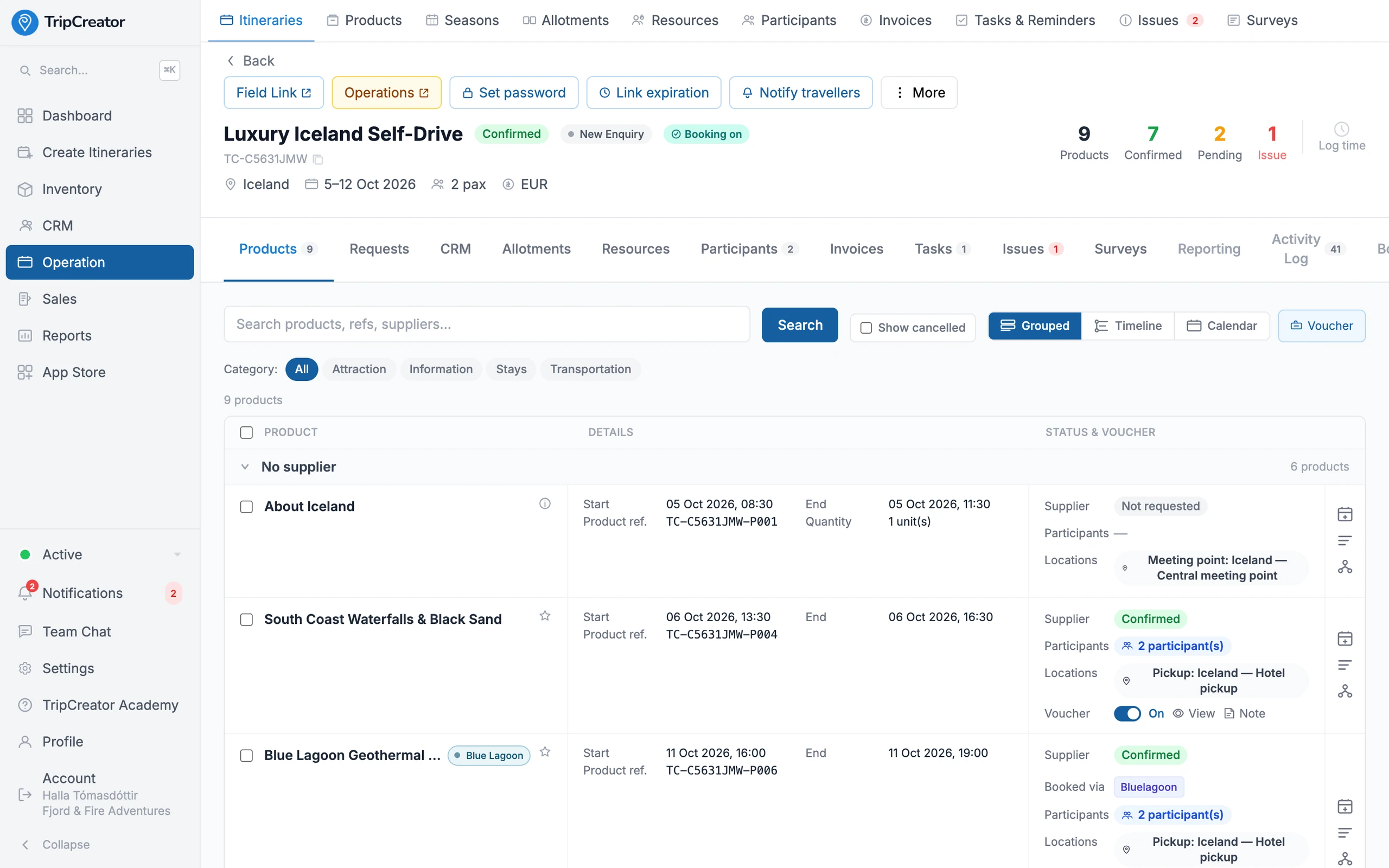
Run the trip: supplier confirmations, vouchers and logistics in one view.
Operations FAQ
- How do supplier requests work?
- You send a booking request or RFQ from the itinerary; the supplier responds on a dedicated page without needing an account. Every request is tracked in a log until it's confirmed, so nothing is left hanging.
- Can I run recurring departures?
- Yes. Convert a trip into a series of recurring departures and TripCreator auto-generates the allotments, with seat-in-coach availability tracked across each departure.
- What do guides and drivers see?
- A live, public 'field/pocket' view of the day — the stops, times and details they need — that updates when the plan changes, with no login required.
- Does operations connect to my suppliers' systems?
- Yes. For connected integrations (like Bókun and Travia), confirmed products are reserved directly with the supplier; for others, the request-and-confirm flow keeps everything tracked in one place.
- When does operations kick in?
- Automatically at confirmation. A booked checkout marks products confirmed, draws down allotments, flags resource clashes, issues vouchers, and creates a frozen itinerary copy for fulfilment.
Example itineraries
Real itineraries built on TripCreator — open one to explore.

Iceland
Luxury Iceland Self-Drive
An 8-day self-drive ring-road journey with curated stays, a geothermal spa day, and full operational backing.
View itinerary ↗
Morocco
Morocco Grand Tour
A 10-day imperial-cities and desert journey with a full set of supplier vouchers.
View itinerary ↗
Kenya
Kenya Migration Safari — Operations
A 6-day Masai Mara safari built to show the operational side: vehicles, guides, and on-the-ground logistics.
View itinerary ↗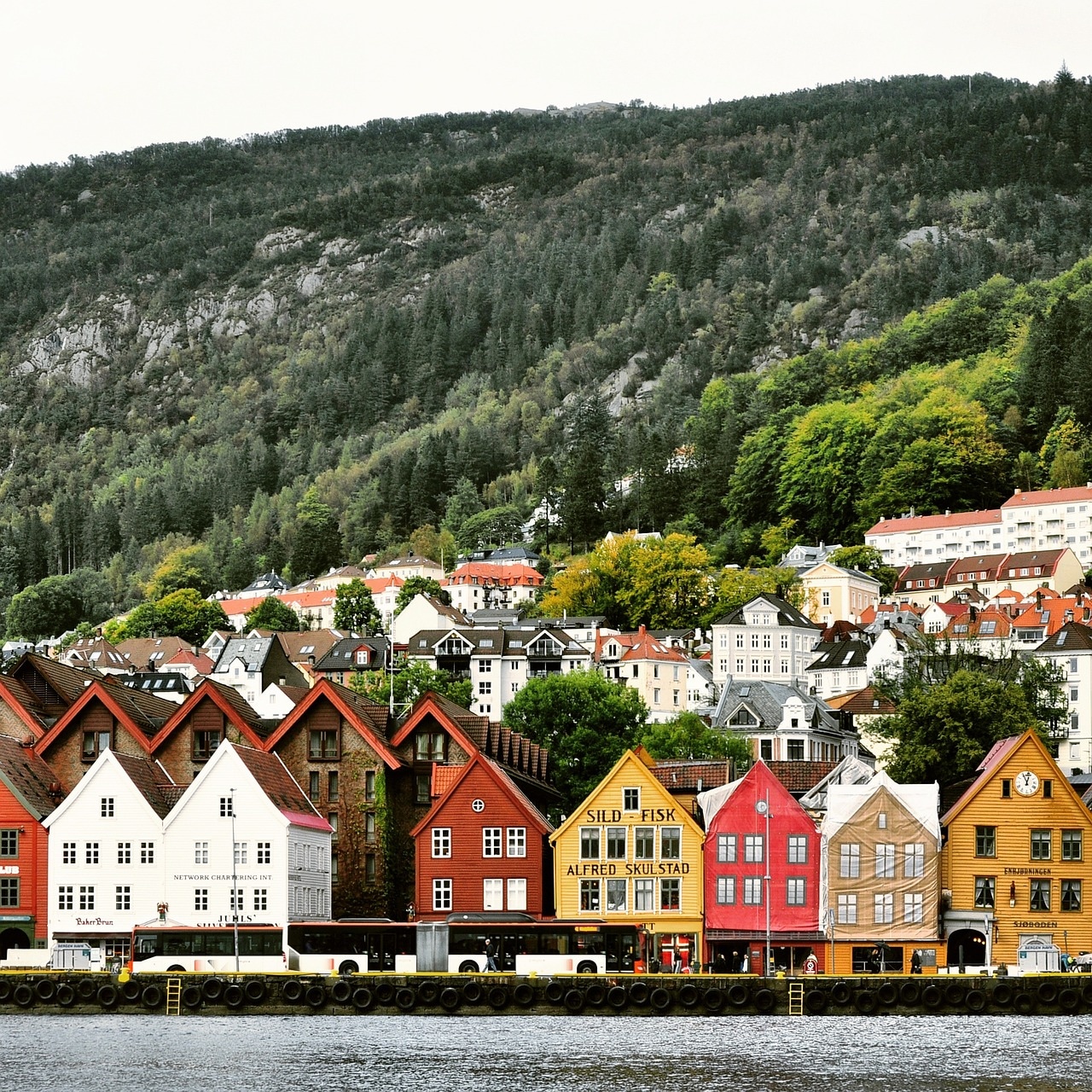
Norway
Norway Incentive & Conference
A 4-day corporate incentive combining conference sessions, venue logistics, and fjord excursions.
View itinerary ↗
Singapore
Singapore Executive Program
A 3-day executive business trip: meetings, transfers, hotel, and internal documents in one clean program.
View itinerary ↗
Scotland
Scotland Highlands Self-Drive
A 6-day Highlands and islands self-drive with castles, lochs, and whisky.
View itinerary ↗
Japan
Tokyo Incentive Program
A 4-day Tokyo incentive program for a top-performers group.
View itinerary ↗
Peru
Amazon Lodge — Operations
A 4-day Amazon rainforest lodge stay focused on the operational workflow.
View itinerary ↗
Morocco
Sahara Desert Brand Event
A 3-day branded desert event with a luxury camp and programmed activities.
View itinerary ↗