
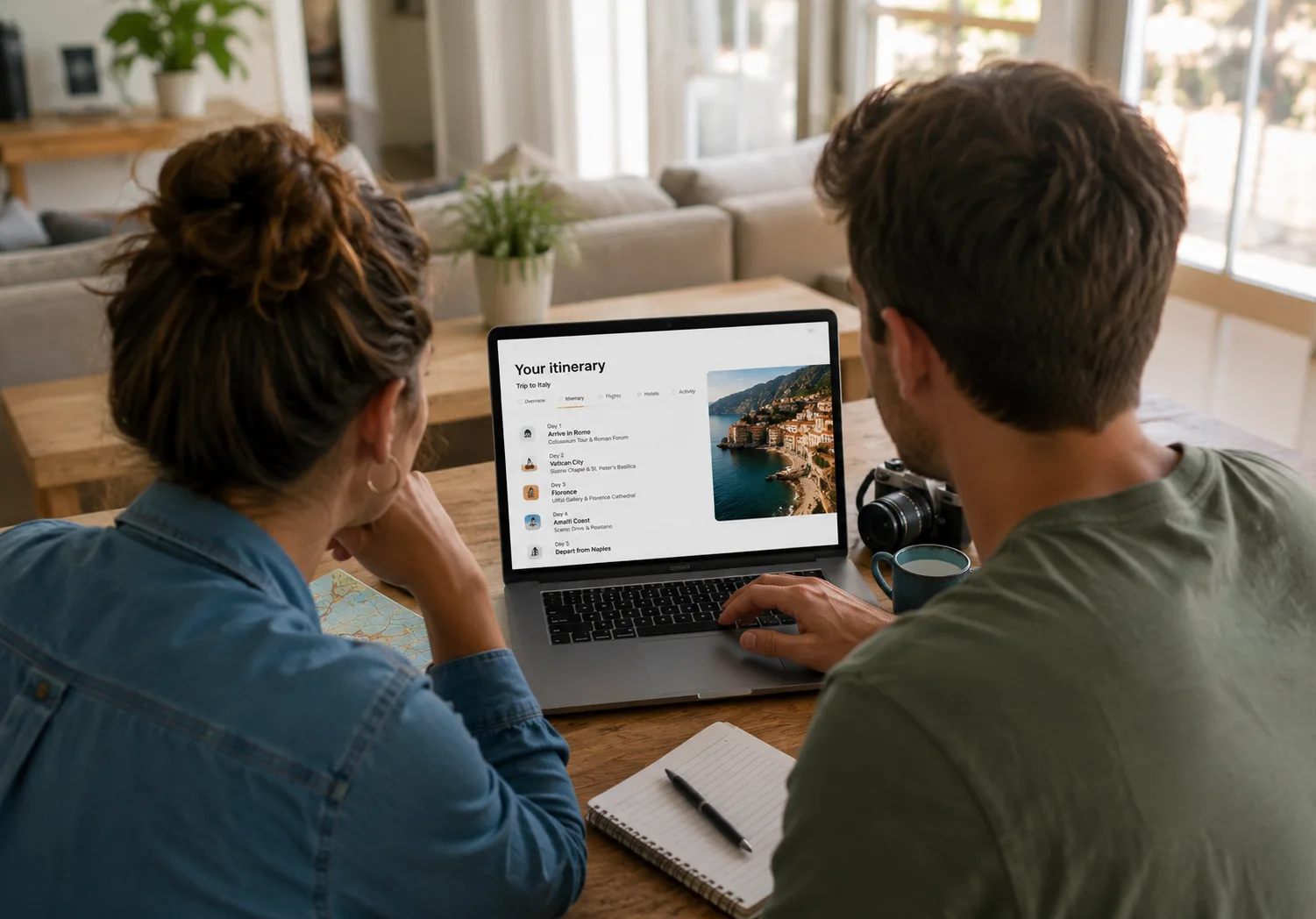
A booking flow you assemble yourself
One way to set it up: collect what you need, branch on how the customer pays, and confirm. Add, remove, rename and reorder any step — the essentials stay, the rest is your choice.
Build your checkout, step by step
Add only the steps you need, label them in any language, mark each required or optional, and drag to reorder. Publish a version when you're ready — and roll back any time.
Contact information
Capture the lead traveller — name, email, phone, nationality, and any custom fields you add.
Participant details
Collect per-traveller details such as passport, date of birth, and dietary needs.
Extras & add-ons
Let customers add the optional items you've flagged on the itinerary; the cart total updates live.
Pickup & drop-off
Gather pickup and drop-off preferences, with per-product logistics where you need them.
Integration extras
Surface supplier-side add-ons — like room upgrades or breakfast — pulled straight from the provider.
Questions & surveys
Ask custom booking questions, and answer any required by connected suppliers in the same flow.
Uploads
Collect documents — waivers, contracts, IDs — with an optional template for customers to fill in and return.
Terms & conditions
Require customers to read and accept your booking terms before they pay.
Accept proposal
Have customers formally accept the proposal before proceeding to payment.
Payment
Take a secure card, bank, or wallet payment via Stripe, PayPal, Flywire, or Teya.
External booking engine
Hand off to a third-party engine or payment portal, then resume the checkout when the customer returns.
Confirmation
Show a booking summary and send confirmation emails — with vouchers when you want them.
Set it up once, in your own words
The booking engine is configured per workspace and published as a version, so you can refine the flow and roll back safely. Settings are sensible by default and yours to change.
- Hold each checkout session for a configurable window before it expires
- Turn on test mode to trial the whole flow without taking a real payment
- Auto-issue vouchers to customers on payment — or override it per itinerary
- Route payments to a different gateway per currency, with a default fallback

Take a deposit now, the balance later
Attach an installment schedule to an itinerary and the engine splits the total into staged payments — a deposit at confirmation and balances due before arrival or on fixed dates. Customers pay what's due now at checkout; the rest is scheduled automatically.
Book late, after a due date has passed? Overdue stages fold into a single amount due today, so nothing slips through. Paid deposits are credited against future invoices.
- Percentage-based stages with due dates relative to confirmation or arrival
- Deposit and balance invoices generated and issued automatically
- Automatic payment reminders and overdue follow-up rules, each with a pay-now link

Connected to the rest of your operation
A confirmed checkout isn't the end — it's the trigger. Here's what the engine sets in motion.
Invoicing
Each booking links to its invoices. The amount due now is issued automatically, and scheduled installments are drafted for their due dates.
Payments
Secure hosted checkout via Stripe, PayPal, Flywire, or Teya, routed by currency. Webhooks reconcile the payment and finalize the booking. TripCreator takes no commission.
Learn more →Installments & deposits
Staged schedules split the total into a deposit and balances, with late-booking amounts merged into what's due today.
Reminders
Automatic payment reminders and overdue follow-up rules keep balances moving — each carrying a one-click payment link.
External integrations
Confirmed products are reserved with your suppliers — providers like Bókun and Travia — while accounting syncs to Xero and contacts flow to HubSpot.
Bookings
Every checkout becomes a booking record with a unique reference, a clear status, a full audit trail, and a shareable booking page.
Operations
Booked products are marked confirmed, allotments are drawn down, resource clashes are flagged, vouchers are issued, and a frozen itinerary copy is created for fulfilment.
Learn more →See it in action
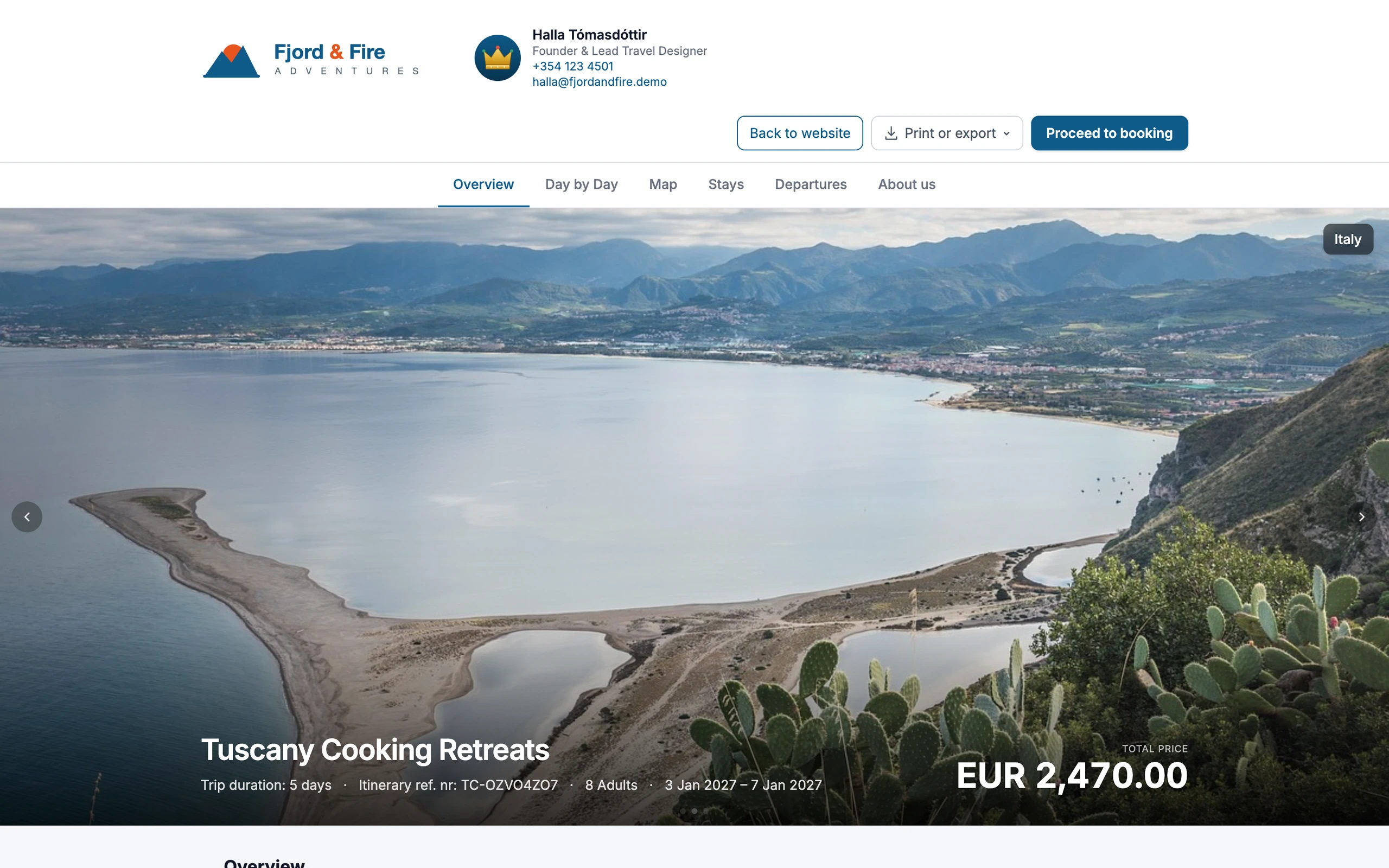
A branded booking experience — from itinerary to checkout.
Booking engine FAQ
- Which payment gateways are supported?
- Stripe, PayPal, and Flywire. You can route each currency to a specific gateway, with a default fallback. TripCreator takes no commission on your bookings.
- Can I take a deposit instead of full payment?
- Yes. Attach an installment schedule to the itinerary and the engine collects a deposit at checkout, then schedules and invoices the remaining balances for their due dates — automatically.
- What happens after a customer pays?
- The booking is confirmed, the due invoice is issued, products are marked confirmed in operations, supplier reservations are sent to connected integrations, and confirmation emails — and optional vouchers — go out.
- Can I accept a booking without taking payment online?
- Yes. Payment is an optional step, so you can confirm bookings to be settled by invoice or bank transfer, and use test mode to trial the full flow without a real charge.
- Can customers add extras during checkout?
- Yes. Customers can add the optional items you flag on the itinerary, plus supplier-side add-ons pulled directly from connected providers — and the cart total updates as they go.
- Can I embed the checkout on my own website?
- Yes. The booking engine runs from a shareable link and embeddable widgets, so customers can book from your own site, a proposal, or a payment link.
Example itineraries
Real itineraries built on TripCreator — open one to explore.

South Africa
South Africa Private Safari
A 9-day ultra-premium private safari paired with Cape Town, presented with editorial-grade media.
View itinerary ↗
Costa Rica
Costa Rica Day Tours
A set of bookable day tours — rafting, volcano, and wildlife — sold individually online.
View itinerary ↗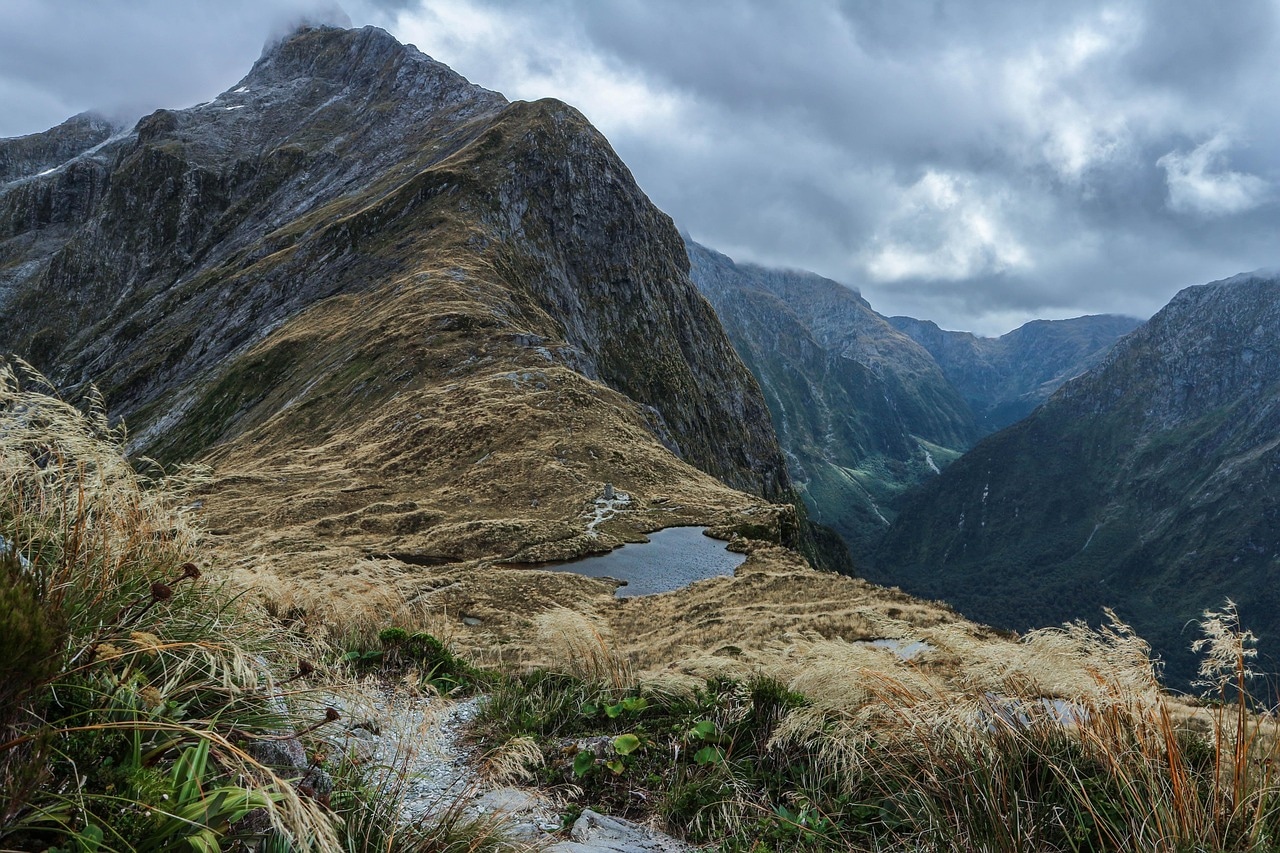
New Zealand
New Zealand Self-Drive Explorer
A 7-day self-drive journey through New Zealand with a set core itinerary plus a few optional add-ons — extra excursions and a pre-night — the traveller can include or leave off.
View itinerary ↗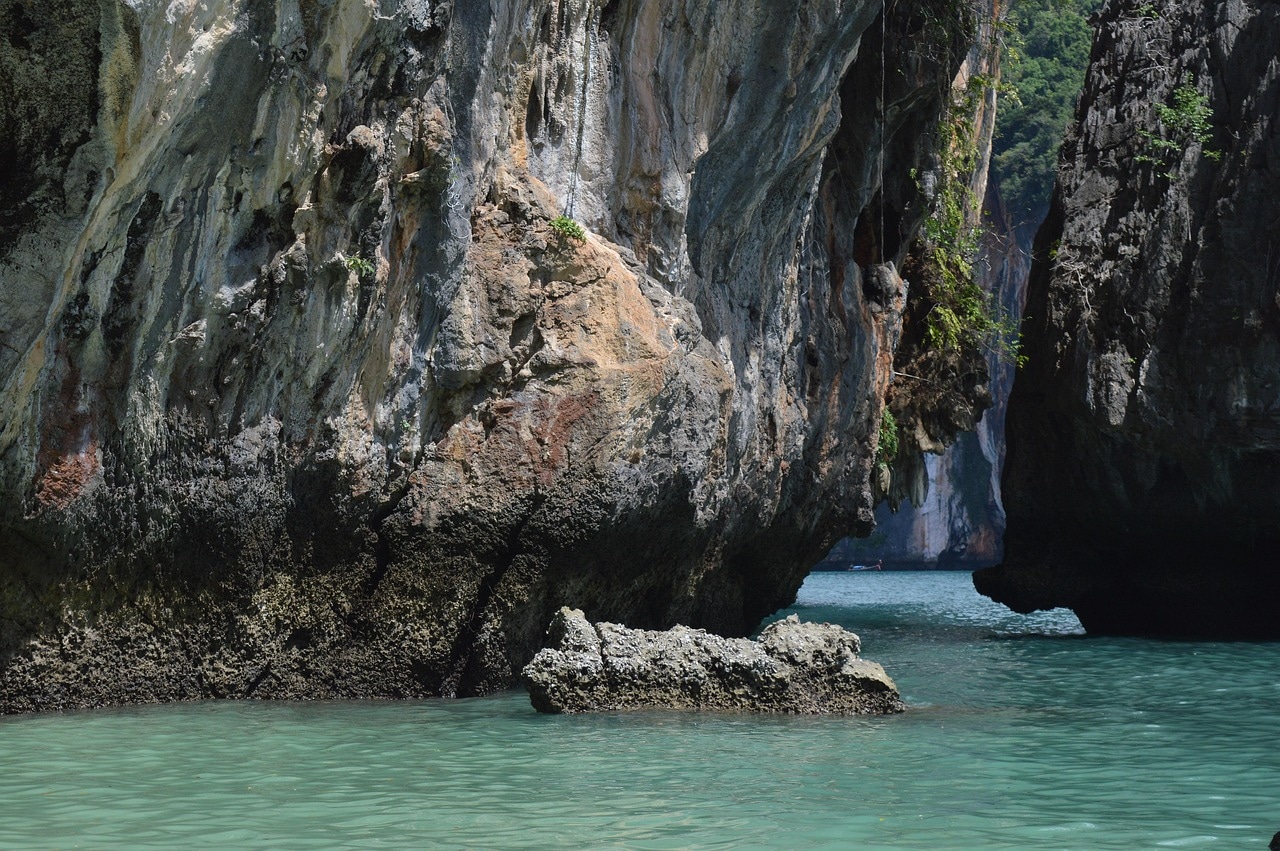
Thailand
Thailand Island Hopper
An 8-day island-hopping trip sold online with a deposit now and the balance later.
View itinerary ↗ Group departures· 3 dates
Japan
Japan Fixed-Departure Group Tour
A 12-day small-group cultural tour sold as scheduled fixed departures throughout the year.
View itinerary ↗
Italy
Italy Tailor-Made Proposal
A dateless tailor-made proposal for a 10-night Italy trip, presented as a living, acceptable quote.
View itinerary ↗ Seat-in-coach· 3 dates
Scotland
Scottish Highlands — Seat-in-Coach Set Departures
A 5-day small-group Highlands coach tour sold as scheduled seat-in-coach set departures with live seats-left and per-person pricing that steps down as the coach fills.
View itinerary ↗
Ireland
Ireland — Small-Group Guided Tour
A 6-day small-group guided tour of Ireland's south and west, sold at group-quote pricing with a deposit-now, balance-later schedule.
View itinerary ↗
Netherlands
Amsterdam City Break — Book Online
A 3-day Amsterdam city break sold entirely online — a website availability widget hands off to a full multi-step checkout, with integrated third-party experiences shown as live availability.
View itinerary ↗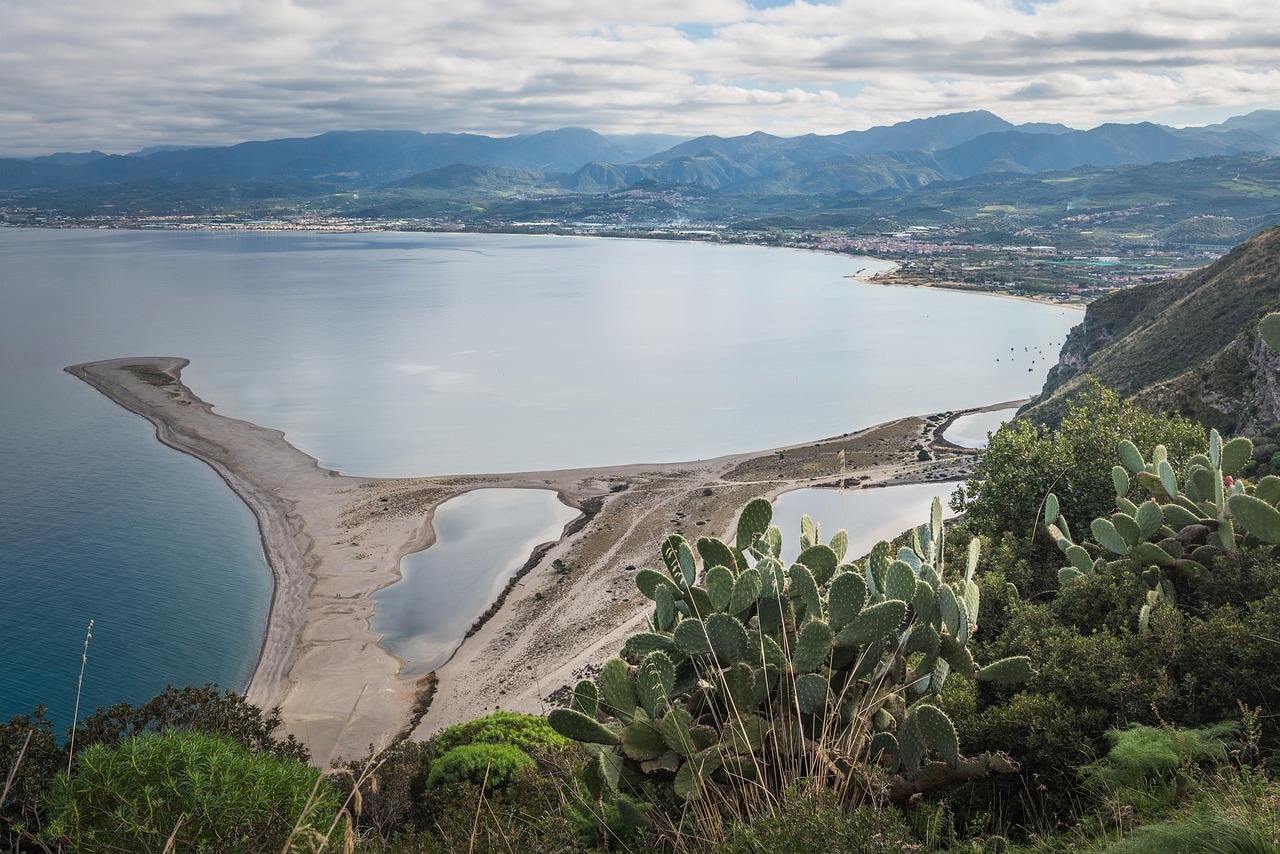
Italy
Tailor-made Italy — Proposal
A dateless tailor-made Italy proposal — presented as Day 1 / Day 2 / Day 3 rather than fixed dates, so a client can approve the shape of the trip before dates are locked.
View itinerary ↗- See it on your own site
 Set departures· 15 dates
Norway
The Kelda — Lower Zone
A fictional salmon river sold direct by a small owner-run lodge — book a rod on a scheduled departure straight from the operator’s own website widget.
View itinerary ↗ - See it on your own site
 Set departures· 13 dates
Norway
The Kelda — Upper Zone
The Upper Kelda beat — the same fictional lodge, a second set-departure product, booked online through an embedded availability widget.
View itinerary ↗ 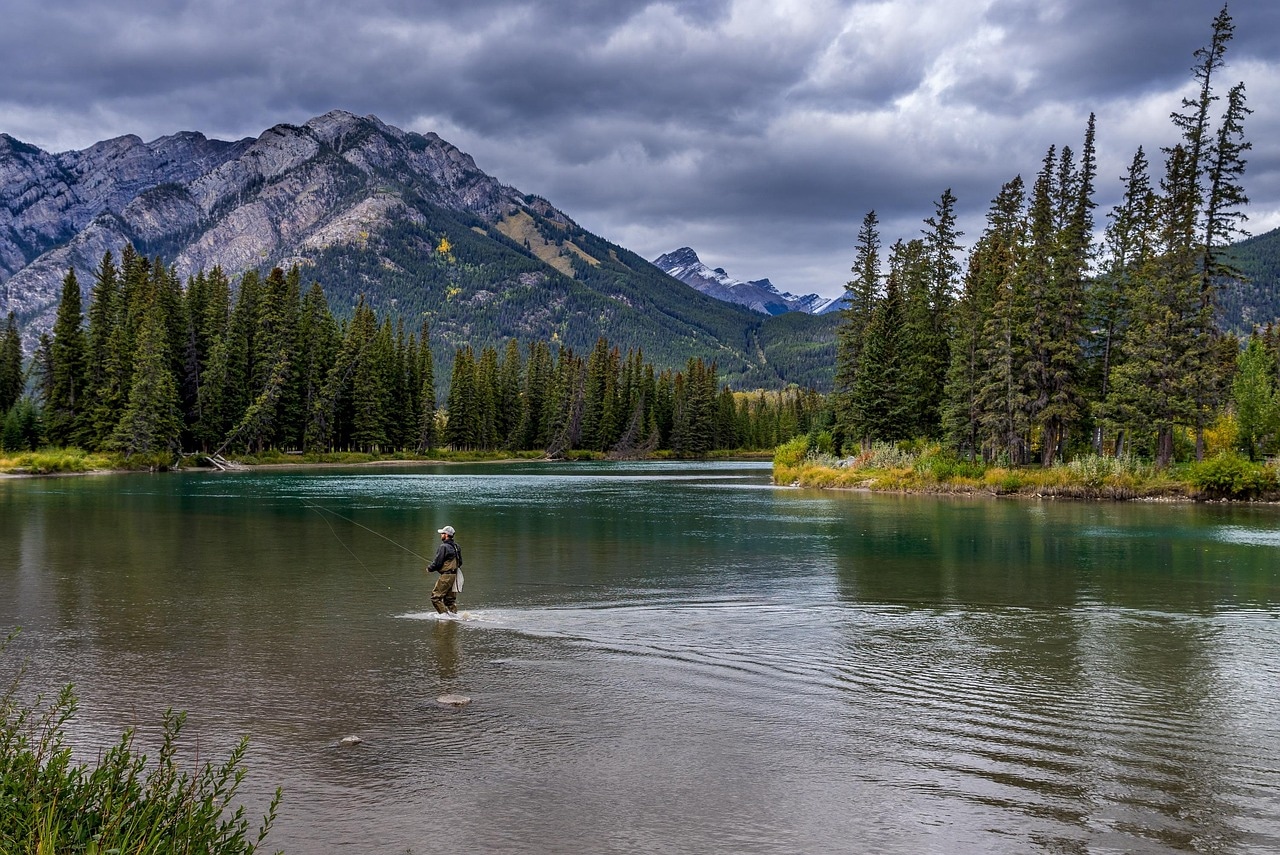 Set departures· 3 dates
Canada
Canadian Rockies Rail Journey
A 9-day rail and lodge journey through the Canadian Rockies, sold as fixed departures.
View itinerary ↗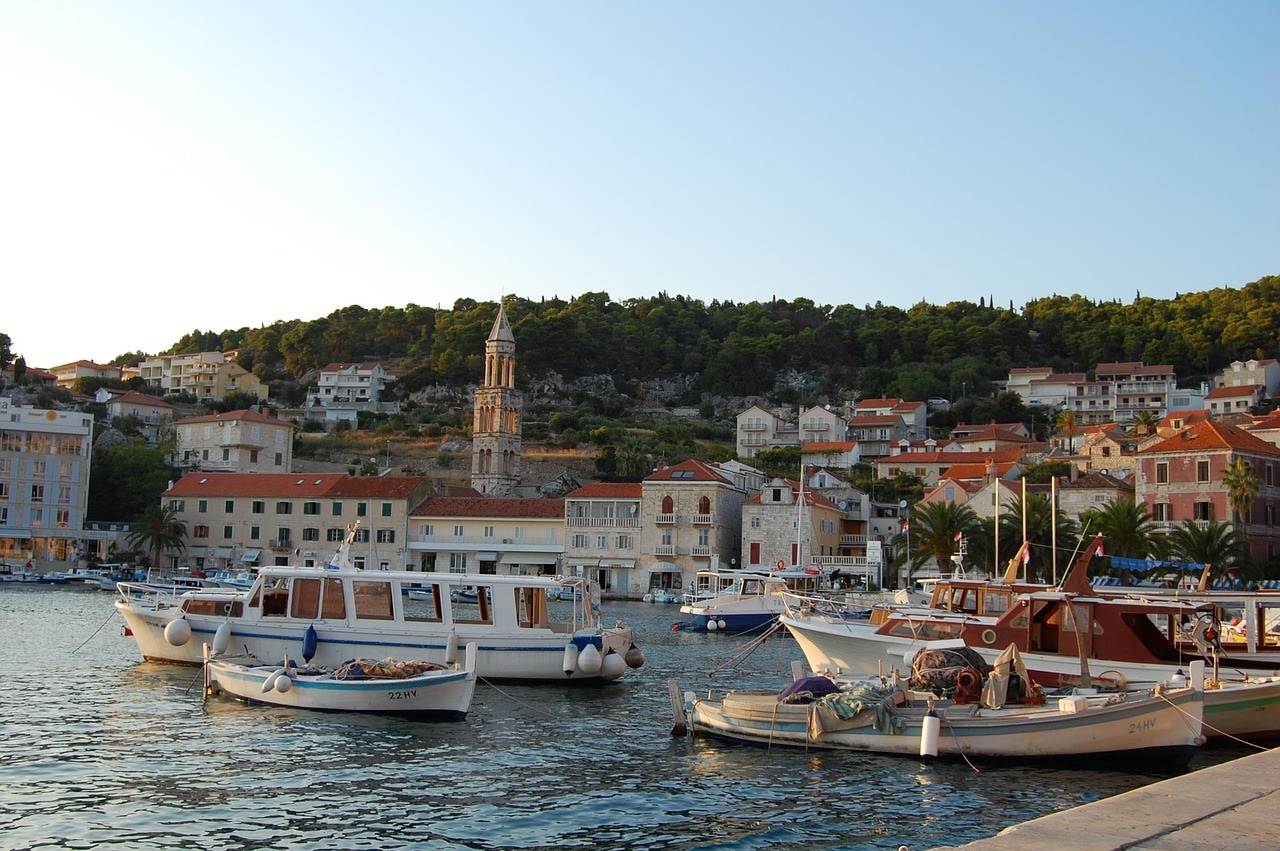
Croatia
Croatia Island Sailing Bundle
A 7-day Dalmatian coast sailing trip where guests build their cabin and add-ons.
View itinerary ↗
Chile
Patagonia Expedition
An 8-day Torres del Paine expedition with premium lodges and guided treks.
View itinerary ↗
Portugal
Lisbon & Porto City Break
A 5-night twin-city break combining Lisbon and Porto.
View itinerary ↗ Group departures· 3 dates
Italy
Tuscany Cooking Retreats
A 5-day Tuscan cooking retreat sold as small-group fixed departures.
View itinerary ↗
South Africa
Cape Winelands Private Day
A private guided day in the Cape Winelands with tastings and lunch.
View itinerary ↗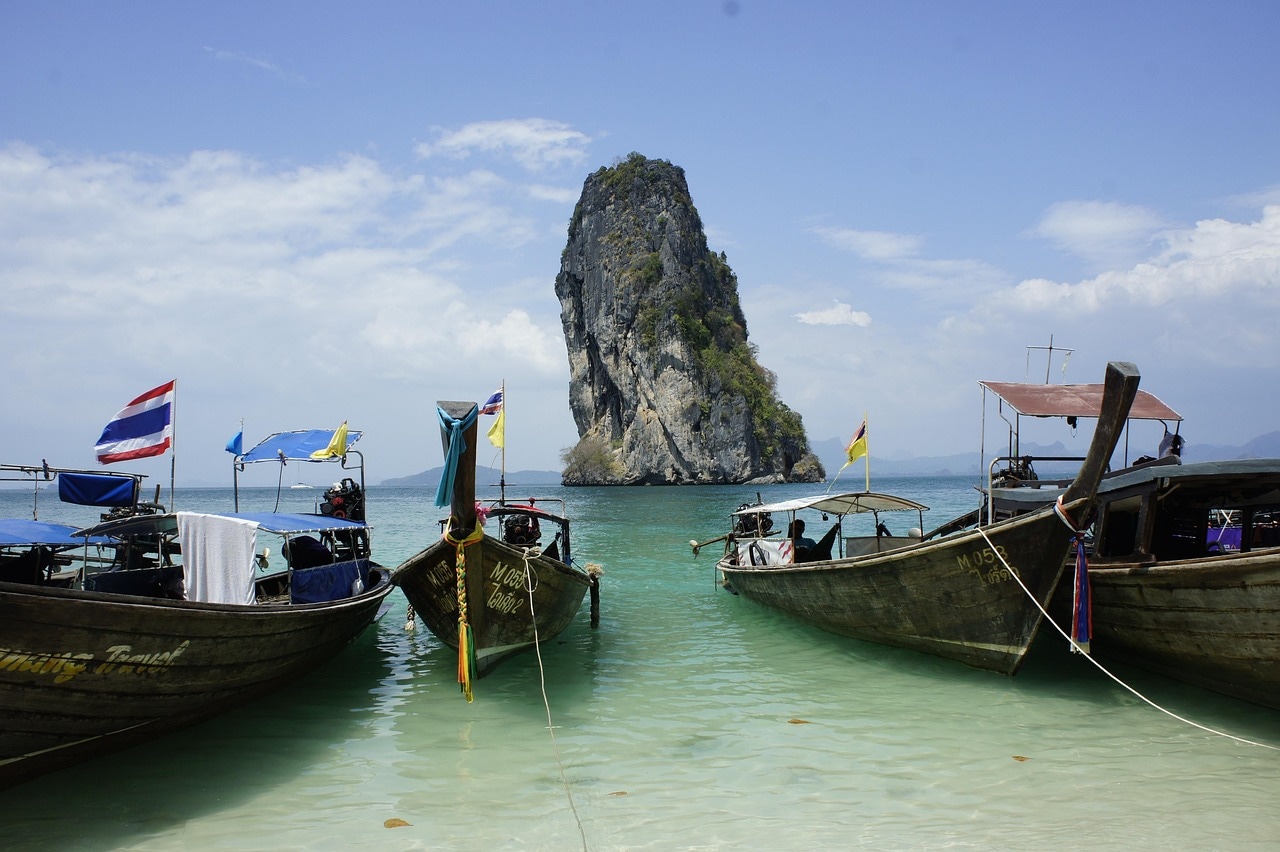
Thailand
Thailand Beaches & Islands
A configurable beach trip where guests choose resort, transfers, and excursions.
View itinerary ↗ Set departures· 3 dates
Iceland
Iceland Northern Lights Tours
Evening northern-lights tours sold as nightly departures via an availability widget.
View itinerary ↗
United States
Pacific Coast Highway Self-Drive
A 7-day California self-drive from San Francisco to Los Angeles.
View itinerary ↗
The TripCreator podcast
Prefer to listen? There’s an episode on this
Episode 8 · 14 min
Let them book at 11pm
The trips you build in TripCreator can be booked and paid for on your own site.